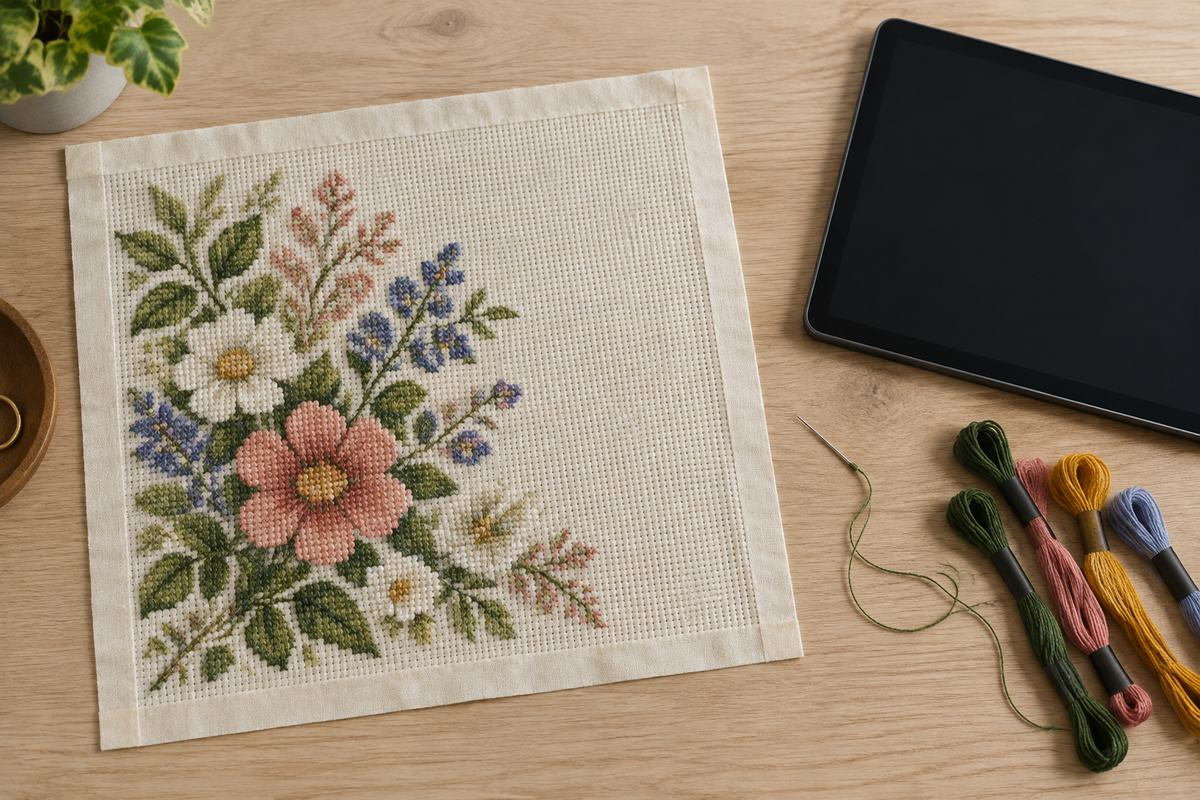
Pattern Keeper is an Android app that opens a cross stitch pattern PDF, joins its pages into one chart and lets you mark stitches as you finish them. It works well when the PDF is built the way the app expects and badly when it is not, which is why some purchased patterns import cleanly and others throw confusing errors. This guide covers what the app does, what it cannot track, what makes a PDF import, and what to do when an import fails. Last updated November 13, 2026.
Start here: Pattern Keeper is Android only, and it tracks full cross stitches. Keep a printed or ordinary PDF chart for backstitch, French knots and fractional stitches. If an import fails, check the PDF before you blame the app: the floss key, the number of charts in the file and the chart size all matter.
What Pattern Keeper does
NodeStitch, a chart-making app that tested the app with real exports, describes the main behavior this way. Once a PDF imports, you see the whole chart as one grid with the pages joined, so you can stitch across a page break without flipping. Tapping a color in the thread list highlights every square of that color. Dragging over squares and confirming marks them as done, and they fill in with their own floss colors. Your progress stays when you leave the chart and open it again.
NodeStitch tested on a 200 by 133 stitch photo chart in 79 DMC colors, and the app read all 79. Marking one whole tulip came to 839 of 26,600 stitches, 3.15 percent, and each color's remaining count went down. That is the practical benefit: you can see what is left by color instead of searching a paper chart.
Pattern Keeper is made by Datadromeda, not by the chart tools that write about it, and NodeStitch says it has no tie to the app.
Platform, price and trial
Pattern Keeper's own FAQ states that it supports Android 4.1 and later with the Google Play Store, and that it runs more smoothly on newer devices, with at least 2 GB of RAM recommended if you are buying a new one. There is no screen size requirement, and some people prefer a larger screen to see more of the chart. The FAQ says there is no desktop version, though it can be run on a computer through an Android emulator. The sources we used describe an Android app and none describes an iPhone version.
The FAQ states that it costs around 9 US dollars, depending on exchange rates and local tax law, as a one-time charge, and that the trial is fully featured. When the trial ends you can no longer open your charts, but your data is kept, and you can still view your chart list, export progress and import charts. The FAQ also says there is no automatic sync between devices: you export progress from one device and import it on the other. Check the app's store page for the current price before you rely on these figures, since they come from the FAQ.
What it can and cannot track
Pattern Keeper's FAQ says it currently supports full cross stitches only, with backstitch and fractional stitches on a wish list. NodeStitch's tests agree: French knots showed as dots, backstitch did not appear on the chart, and neither counted toward the total. In practice you need the printed chart, or the ordinary PDF, open next to the app for any pattern with backstitch outlines or knots. Our guide to reading a cross stitch pattern, backstitch guide and fractional stitches guide cover those stitch types.
What makes a PDF import
NodeStitch changed one thing at a time on real exported charts to find what broke the import. Its findings, which come from a chart-tool vendor and are tested on its own files, are worth knowing even if you only stitch.
- The key must write the floss as brand plus number in one box. A key row reading "DMC 350" in a Number column, before any other number column, was read. Just "350", a separate Brand column, a heading over bare numbers, or a Strands column placed before Number were not.
- Only DMC arrives with its number filled in. In a test key mixing DMC, Anchor, a hand-dyed thread and an unbranded color, the app read the five DMC rows and left the other four to the stitcher. Those colors still import with their symbols, and the stitcher types the thread in.
- One chart per file. A pattern PDF that shows the chart twice, once on the pattern page and again at full size, produced the message "More than one chart found". On a busier file it produced "Grids don't make sense". Deleting the extra pages on the import screen fixed it.
- At least 20 stitches on the longer side. Charts of 13 by 11 through 19 by 19 did not import and gave "No grids found in PDF", while 20 by 20 and 30 by 30 did. A 20 by 5 border imported, so only the longer side matters.
If you are comparing a DMC number with another brand, our DMC to Anchor conversion guide helps, though the app will not fill in other brands for you.
Import steps and what to answer
Xstitchify, another chart tool, documents its own import. You download the complete PDF with the thread key pages, save it on the device, and in Pattern Keeper tap the plus button, choose Open PDF and select the file. Then compare the thread numbers and the mockup with the PDF before you start stitching.
The app may show a chart excerpt and ask whether there are shaded or lightly colored rows or columns at the edges. Xstitchify explains that this check is for finding stitches repeated on adjoining pages, and that its own PDFs do not repeat stitches across page breaks, so it tells users to choose No, and to choose No again if a second excerpt appears. That answer is specific to its files. A pattern that does repeat rows or columns across pages needs a different answer, and the pattern's designer should say which.
Xstitchify also says that normal print is a good starting point for the app since you can zoom while stitching, and that large print fits fewer stitches per page, so it is more likely to trigger the extra checks.
When an import fails
- Check the key first. If the floss entries are bare numbers or sit after a strands column, ask the designer for a version that writes "DMC 350" in one box.
- Check for two charts. If the PDF includes the same chart twice, delete the extra pages on the import screen, as NodeStitch describes.
- Check the size. A chart under 20 stitches on both sides will not import as a grid. You can still view it and enter progress, according to the app's own message, but you cannot search for symbols.
- Ask for a fresh file. Xstitchify says older PDFs that put two short chart sections on one page could cause "Grids don't make sense", and a newly downloaded PDF fixed it. The same advice applies to any pattern you bought a while ago.
- Contact the designer. Pattern Keeper's FAQ says that if a pattern is from a designer it supports, the developers may be able to help, but that for other designers there is little they can do, because copyright law prevents looking at charts without the designer's permission. It recommends telling the designer that you would like their charts to be compatible.
Our cross stitch copyright guide covers the wider rules around patterns you buy.
Where sources disagree
How much the app does. Pattern Keeper's FAQ describes full cross stitch support only, and NodeStitch's tests say the same. A stitcher who relies on backstitch or knots will find the app helps with the full cross stitch fill but not with those details.
What to answer to the shaded rows question. Xstitchify says to choose No for its files. That is advice about how its PDFs are built, not a general rule, and other designers' files may differ.
Price. The FAQ gives "around 9 US dollars", but the figure shifts with exchange rates and tax. Check the current store page.
FAQ
Is Pattern Keeper on iPhone? The sources we used describe an Android app, and none describes an iPhone version. Check the app store listings for your device.
Does it track backstitch? Not according to its FAQ, which says only full cross stitches are supported for now. NodeStitch's tests agree.
Why does my PDF say "More than one chart found"? The PDF probably shows the same chart twice. NodeStitch fixed that by deleting the extra pages on the import screen.
Why does it say "No grids found in PDF"? The chart may be smaller than 20 stitches on its longer side, per NodeStitch's tests.
Will it fill in Anchor or other brands? In NodeStitch's tests only DMC arrived with its number filled in. Other brands import with symbols and you type the thread yourself.
Can I use it on two devices? Yes, if both use the same Google Play account, but progress does not sync automatically. You export from one and import on the other, per the FAQ.
Sources
This guide draws on the following sources. Where their advice differs, it says so above rather than blending them.
- Pattern Keeper, app developer: FAQ, patternkeeper.app/faq. Source for platform, price, trial, sync and supported stitch types.
- NodeStitch, chart-making app: How to use Pattern Keeper with cross stitch charts, and make a PDF it can read, nodestitch.app. NodeStitch sells chart exports and says it has no tie to Pattern Keeper. Source for the tested import rules, the failure messages and the tracking behavior.
- Xstitchify, chart-making tool: Using Pattern Keeper, xstitchify.com. Source for the import steps, the shaded rows question and the older-PDF fix.