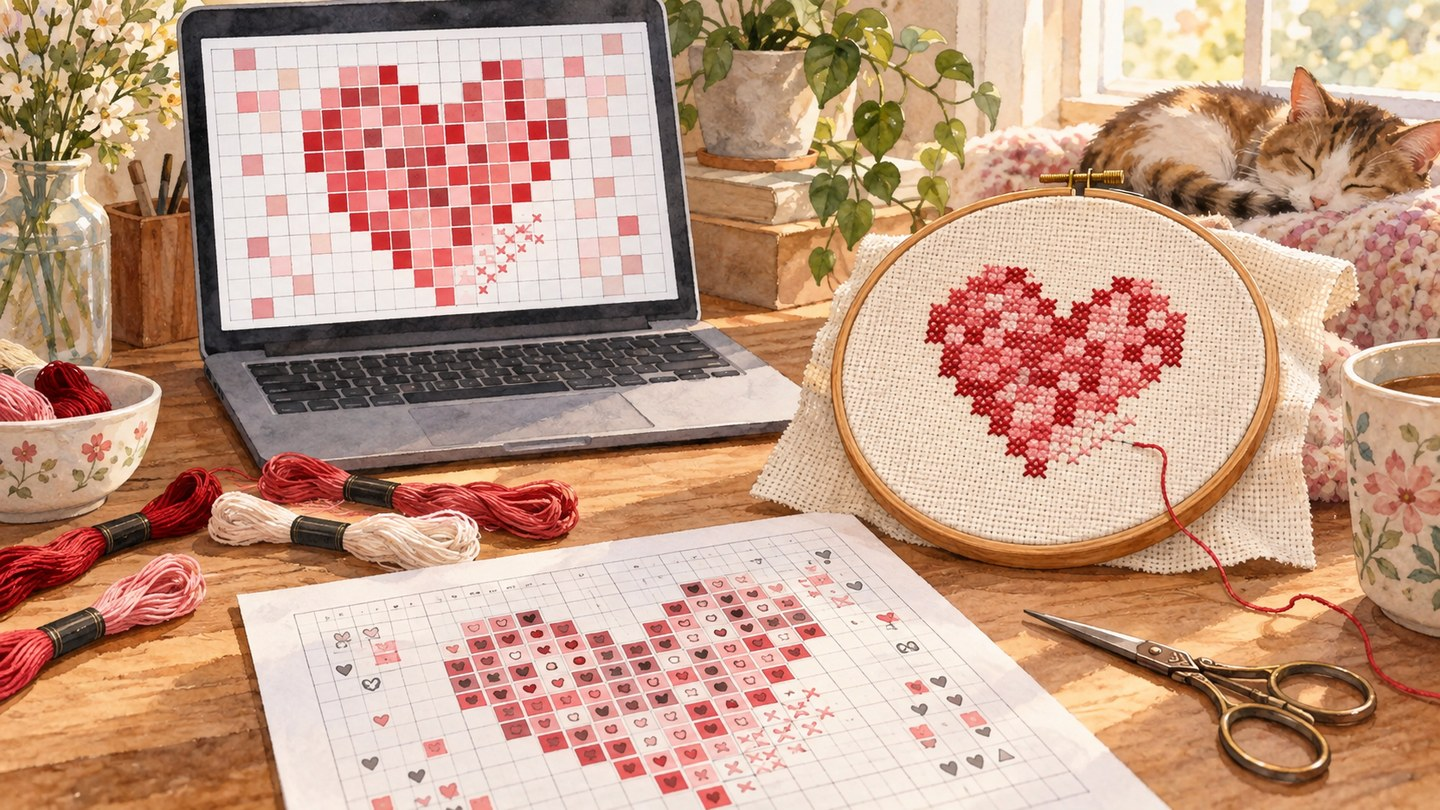
Search for a free cross stitch pattern maker and you get a crowded field of web tools that all promise the same thing: upload a photo, get a stitchable chart with real floss numbers. Most of them deliver on the basics, but they differ sharply on what "free" actually means, how clean the automatic conversion is, and whether the download step ends in a paywall. This guide maps the current free landscape, the catches worth knowing before you invest twenty minutes in a design, and the settings that turn a raw auto-conversion into a pattern you will actually enjoy stitching.
Every free pattern maker does the same four steps: read your photo's pixels, shrink the palette to a set number of colors, match each color to a real floss number, and lay the result on a stitch grid. Choose between them on three things: whether the full chart download is genuinely free, how well the tool controls confetti (scattered single stitches), and whether it gives you the output format you need, usually a PDF symbol chart with a thread list.
What a pattern maker actually does
A cross stitch pattern maker converts any image into a counted chart. Under the hood it is solving a compression problem: your photo has millions of pixels in thousands of shades, and your finished piece might be 100 stitches wide in 15 floss colors. The tool decides which stitches exist, what color each one is, and which DMC, Anchor, or other brand number comes closest. The quality of those decisions is the whole product. Two tools given the same photo will produce visibly different charts, mostly because of how they reduce colors and how aggressively they clean up confetti, the isolated single stitches that are technically faithful to the photo and miserable to stitch.
The good news: for a one-off personal project, the free tier of this software category is genuinely useful. You do not need to pay anyone to turn a pet photo into a weekend project. You do need to pick the right tool and feed it the right photo, which is where the rest of this guide goes.
The free landscape, as of late September 2026
The table below reflects research across current comparison sources and the tools' own pages. Free tools change pricing, add paywalls, and shut down without notice, so treat any single row as a snapshot and re-check before committing to a big project.
| Tool | Cost model | Output | Known for |
|---|---|---|---|
| Pic2Pat | Completely free | Downloadable chart with floss and skein estimates | The long-standing no-frills classic |
| FlossCross | Free, no account needed | PDF or OXS for WinStitch and MacStitch | Editing control, backstitch and petite stitch support |
| Pixel-Stitch | Completely free | PDF symbol chart with thread legend | Fast first pass, no signup |
| MyPhotoStitch | Completely free | PDF with pixelated preview and legend | Simple and advanced conversion forms |
| Stitch Fiddle | Freemium | PDF export with symbols and color key | Multi-craft charts: knitting, crochet, diamond painting |
| Stitchmate | Free to design, PDF download paid | In-browser editor, PNG free | Confetti cleanup and post-conversion editing |
| Xstitchify | Free tier with download limits | PNG and PDF free; SVG and symbol charts paid | Automatic grouping of similar colors |
| Threaded | Free to start | Symbol chart with matched DMC thread list | Photo conversion tuned for clean, stitchable output |
If you already have a chart and want software for more hands-on editing rather than conversion, our cross stitch software roundup covers the full design programs, and the FlossCross, Pic2Pat, and Stitch Fiddle comparison pages go deeper on each of those three.
Truly free vs free tier
The single most important line to read before using any of these tools is where the free part ends. There are three models in the wild:
- Free end to end. Conversion, preview, and the full PDF or chart download cost nothing and may not even need an account. Pic2Pat, FlossCross, Pixel-Stitch, and MyPhotoStitch sit here. The catch tends to be polish and editing control, not the download.
- Free to design, paid to export. You can upload, convert, tweak, and preview for free, and the paywall appears at the final download. This is legitimate when clearly labeled, but it stings if you discover it after twenty minutes of fine tuning. Check the export row of the table before you start editing, not after.
- Free tier with caps. A limited number of downloads, a maximum pattern size, or basic formats free with advanced exports paid. Fine for trying a tool, annoying for a big project.
None of these models is a scam, but only the first one is what most people mean when they search "free cross stitch pattern maker." Decide how much editing you plan to do, then check where that tool's free tier ends.
How to choose between them
Assuming the price model works for you, four things separate a good result from a frustrating one.
Confetti control. Automatic conversions love confetti: single isolated stitches of near-identical shades, accurate to the pixel and awful on the needle. Some tools group similar colors automatically; others leave the cleanup to you. If your converted chart looks speckled, drop the color count and run it again, and read our confetti cleanup guide for the manual pass.
Color count control. Fewer colors means fewer thread changes, faster stitching, and usually a cleaner design. For a first project, 8 to 15 colors is a comfortable band; portraits can justify more. The tradeoffs are in how many colors a photo pattern needs.
Size control. Grid width sets both detail level and project length. A 60 stitch wide piece is a weekend; 150 stitches wide with photographic detail is months of stitching. Run the math before you fall in love with a design: our size calculator converts stitch counts to finished inches on any fabric count, and the floss calculator estimates the skeins.
Output format. The usable minimum is a symbol chart (each stitch marked with a symbol keyed to a floss number) plus a thread list with quantities. A plain PNG of colored squares works for small projects but gets painful past about 80 stitches wide. If you stitch from a tracking app like Pattern Keeper, check whether the tool exports a compatible file.
Getting a stitchable result from any of them
The tool matters less than the input. Every comparison of these makers lands on the same advice, because the algorithm is only as good as the photo:
- Pick a photo with one clear subject in good, even light. Faces and pets convert best when they fill a third to half the frame.
- Simplify the background before converting. Crop tight, or blur busy backgrounds in any photo editor. Background clutter becomes background confetti.
- Start smaller and fewer than you think. A 60 to 80 stitch wide piece in 10 to 15 colors is a finished project; a 200 stitch wide piece in 40 colors is a multi-month commitment.
- Preview at stitch size, not screen size. Zoom out until the preview is roughly physical size on your monitor. Detail that looks essential at full zoom usually disappears at arm's length, and that is fine.
- Check the thread list before stitching. Verify the chart's brand matches the floss you actually buy, and if you need to swap brands, use a conversion chart rather than eyeballing shades.
For the full photo prep and conversion walkthrough, our photo to pattern guide goes step by step, and the pet portrait guide covers the specific case most people start with.
Not just photos: designing from scratch
A quieter half of this search is people who want to draw an original design, not convert a photo. The free options split two ways. Online chart editors let you paint stitches directly on a grid: FlossCross runs entirely in the browser with no account, and Stitch Fiddle's free tier supports cross stitch alongside knitting and crochet charts, with symbols and a color key on export. Both handle backstitch lines and text alphabets, which matters if you are designing samplers or lettering (our alphabet maker guide covers font sizing and spacing). The other path needs no software at all: grid paper and a pencil, one square per stitch, which is how samplers were drafted for a century and still the fastest way to sketch a small motif. Whichever you use, keep the finished size math from the size calculator in mind while you draw; a design that quietly grows past your fabric is the classic from-scratch mistake.
Threaded's cross stitch pattern maker turns a photo into a stitchable symbol chart with a matched DMC thread list, tuned to keep confetti low and color counts sane by default. Upload a photo and see the preview before deciding on size and colors.
Questions
Is there a truly free cross stitch pattern maker?
Yes. Pic2Pat, FlossCross, Pixel-Stitch, and MyPhotoStitch are all free end to end, including the chart download, as of September 2026. Several other tools have usable free tiers with paid advanced exports. Free tools can change pricing without notice, so verify the download step before investing time in edits.
Are free pattern makers good enough for a gift-quality piece?
For a well-lit photo with a clear subject, yes, especially at moderate sizes and color counts. Where free automation struggles is fine detail: small facial features, text, and cluttered backgrounds. If the automatic result looks muddy, the fix is usually a better-cropped photo and fewer colors, not a paid tool.
What is the catch with free tools?
Three honest catches: the paywall-at-download model on some freemium tools, weaker color reduction that leaves heavy confetti, and limited editing after conversion. Know which model your chosen tool uses before you start.
Can I sell patterns I make with a free tool?
That depends on each tool's terms of service and on the rights to the source image. Check the tool's license terms, and only convert photos or artwork you own or have permission to use.
Why does my converted pattern look speckled?
That is confetti: single isolated stitches from aggressive color matching. Lower the color count, simplify the photo's background, or use a tool with built-in confetti cleanup, then do a manual pass with the techniques in our confetti guide.