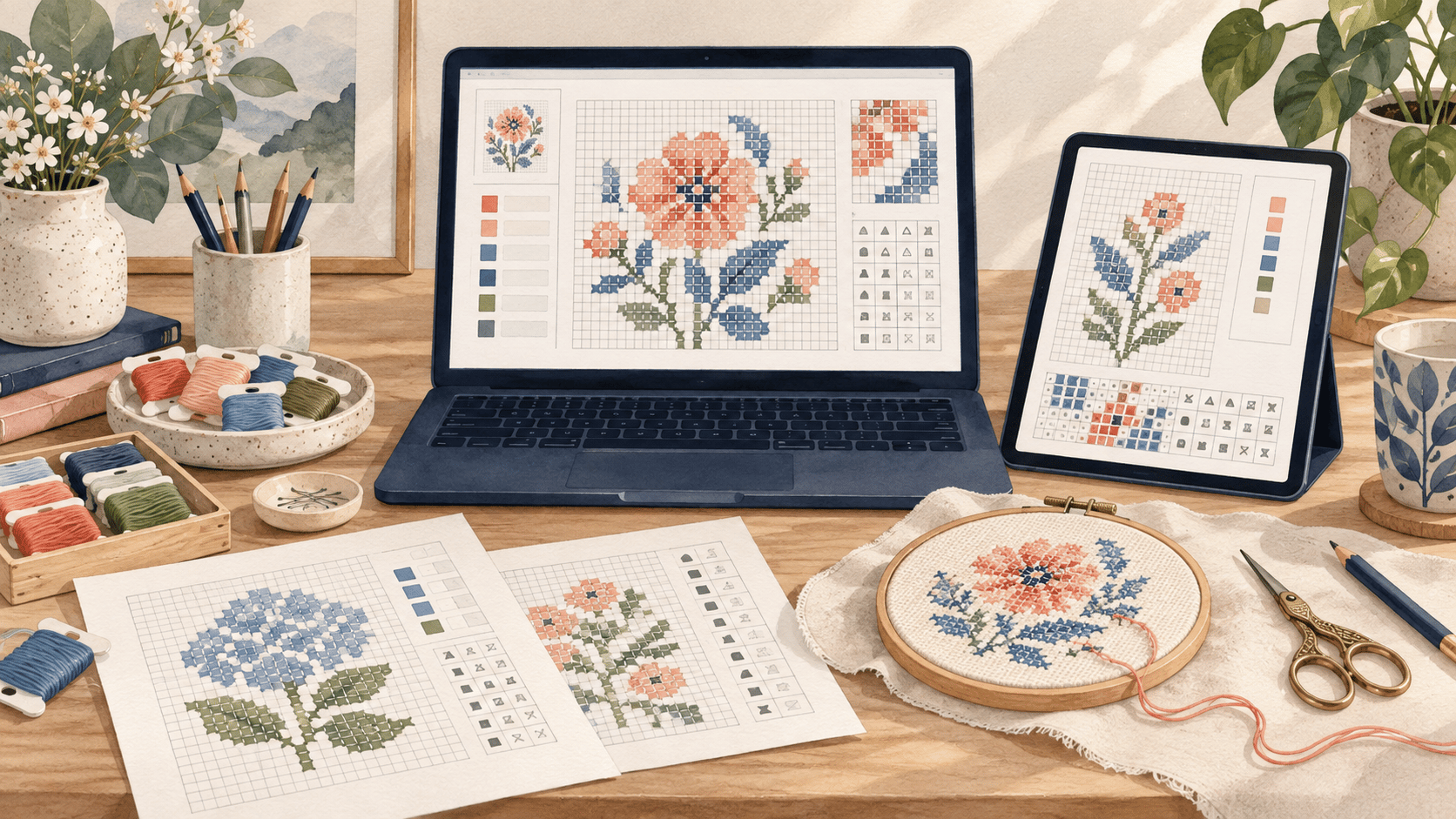
The best cross-stitch software depends on what you are starting with. Photo conversion, drawing a chart stitch by stitch, publishing patterns for sale, and designing on an iPad are different jobs. This comparison separates them instead of naming one universal winner.
Use Threaded for a photo-first browser workflow, WinStitch or MacStitch for a full desktop tool, PCStitch for established Windows chart design, FlossCross for a free no-account browser editor, and Stitch Fiddle for cloud access across several crafts.
The best cross-stitch software by job
| Tool | Best for | Platform | Pricing model |
|---|---|---|---|
| Threaded | Turning a photo into an editable, thread-matched pattern | Browser | Free tier; Pro subscription |
| WinStitch / MacStitch | Frequent desktop design and detailed export control | Windows / Mac | Paid license; trial available |
| PCStitch | Manual chart design on Windows | Windows | $39.95 Standard; $49.95 Pro when checked |
| FlossCross | Free private browser design without registration | Browser | Free |
| Stitch Fiddle | Cloud charts and more than one fiber craft | Browser | Free tier; Premium subscription |
| Cross Stitch Professional | Specialist commercial chart publishing | Windows / Mac | Paid editions from $89 US when checked |
Prices and product limits were checked on September 17, 2026. Verify the vendor's checkout before buying.
How we compared the tools
We compared platform support, photo conversion, grid editing, floss palettes, specialty stitches, printable export, file portability, account requirements, and fit for commercial design. We opened the live browser editors for FlossCross and Stitch Fiddle and created a blank chart in each. Threaded is our own product, so its details come from the live app.
We did not install the current Windows or Mac desktop apps for this article. Their capabilities and prices come from official documentation, supported by independent and community reports. Where users disagree about conversion quality or reliability, we say so rather than treating one comment as a benchmark.
1. Threaded: best for turning a photo into an editable pattern
Threaded is the most direct choice when the starting point is a photo and the goal is a chart you can keep cleaning. It runs in a browser, lets you set stitch dimensions, reduces the image to a practical palette, and matches colors to real thread catalogs. The chart remains editable after conversion, which matters because even a good automatic result needs judgment around faces, lettering, outlines, and backgrounds.
The free presets include DMC and Anchor. Pro unlocks the other available thread libraries, unlimited projects, and print-ready PDF export. Because the workflow is browser-based, it does not require Windows-only software or an installer.
Choose it if: you have a photo, want to compare thread palettes, or need to move quickly from conversion to grid cleanup.
Skip it if: your main need is a mature desktop publishing system with advanced layout controls for a large pattern catalog.
Start with the cross-stitch pattern maker, then use the guides to choose a color count and clean confetti stitches.
2. WinStitch and MacStitch: best full desktop all-rounder
Ursa Software offers WinStitch for Windows and MacStitch for macOS. They are the closest match here to a traditional full desktop design suite: drawing from scratch, importing an image, managing symbols and palettes, and preparing detailed output. Independent professional reviews describe MacStitch as a capable tool for original pattern work, and long-time users often point to WinStitch's PDF controls.
Community comparisons commonly prefer WinStitch's image conversion and Pattern Keeper-oriented output over PCStitch. Those reports are useful, but not unanimous. Some users describe bugs or data-loss problems while others report years of reliable use and responsive support. Use the trial, save copies of a test chart, and export the same sample pattern you expect to sell before purchasing.
Choose it if: you design often, want a desktop app, or need more control over complex charts and PDFs.
Skip it if: you only make an occasional small chart or want instant access across devices without installing software.
For a direct head-to-head, see Threaded vs WinStitch.
3. PCStitch: best established Windows option for manual charting
PCStitch 11 supports Windows 7 and later. Its official feature list includes DMC, Anchor, Kreinik, and Coats floss lists, flexible backstitching, more than 60 specialty stitches, multiple display modes, and symbol controls. When checked, PCStitch Standard was listed at $39.95 and Pro at $49.95.
PCStitch is a sensible choice for drawing samplers, motifs, lettering, and original charts on Windows. An independent professional reviewer praised its navigation and value for work ranging from basic patterns to complicated samplers.
Photo conversion is the disputed part. Several experienced users report that WinStitch handles gradients or dithering better, while others prefer PCStitch's interface, performance, symbols, or color choices. Do not decide from screenshots alone. Download the trial and convert one representative image in both tools using the same dimensions and palette.
Choose it if: you work on Windows and care more about manual chart design than one-click photo conversion.
Skip it if: you need a Mac version, browser access, or the smoothest photo-first workflow.
For a direct head-to-head, see Threaded vs PCStitch.
4. FlossCross: best free browser option with no registration
FlossCross is free and works in a modern browser without registration. Its official site says patterns stay in local browser storage rather than being transferred to its server. It can create a chart from a photo or an empty canvas, export PDF, and import or export the open OXS format.
In our live check, a new 100 by 100 chart opened without an account. The editor exposed paint, erase, pick, line, fill, selection, cross, backstitch, fractional stitch sizes, and a DMC palette. That is a strong feature set for a free tool.
The tradeoff is storage and workflow. Local browser storage is private and convenient, but it is not the same as a synced cloud library. Export your editable source files as backups. Community users also note limits in specialty-stitch customization and the number of convenient local slots.
Choose it if: you want to learn chart design for free, avoid an account, or keep a small project local to one browser.
Skip it if: you need automatic syncing between devices or a commercial publishing workflow.
For a direct head-to-head, see Threaded vs FlossCross.
5. Stitch Fiddle: best for cloud access and several crafts
Stitch Fiddle supports cross stitch alongside knitting, crochet, diamond painting, fuse beads, and other charted crafts. Its picture-import documentation accepts JPG, GIF, and PNG files. The free version allows grids up to 300 by 300 and up to 50 unique colors; Premium raises those limits to 1,000 by 1,000 and 200 colors.
In our live check, the guest flow created a 70 by 70 cross-stitch chart, calculated a 5 by 5 inch result on 14-count fabric, and opened the editor. The editor clearly warned that changes were not saved and offered free signup. This makes the account tradeoff easy to understand: try the editor first, then sign up if you want cloud persistence.
Stitch Fiddle is especially useful when you switch computers or design multiple crafts in one interface. Its help also warns that some advanced settings are unavailable on small phone screens, so use a tablet or computer for detailed work.
Choose it if: you want browser-based cloud charts or work across cross stitch, knitting, and crochet.
Skip it if: you want a no-account local workflow or do not want a subscription for advanced features.
For a direct head-to-head, see Threaded vs Stitch Fiddle.
6. Cross Stitch Professional: best for specialist publishing
Cross Stitch Professional Platinum has Windows and Mac editions aimed at serious pattern production. The official comparison lists photo-to-chart conversion, manufacturer thread matching, layers, motif libraries, and increasingly advanced publishing tools across its editions.
When checked, US prices were $89 for Standard, $149 for Plus, and $479 for Publisher. Publisher adds integrated instructions, logos, and production features intended for commercial chart businesses. That is far beyond what most first-time designers need.
Choose it if: chart publishing is a business and its specialist layout or production tools replace other software in your workflow.
Skip it if: you are making your first pattern, only need photo conversion, or have not yet outgrown a lower-cost editor.
How to choose without wasting money
Start with the source
For a photo, compare conversion and cleanup. For pixel art or a sampler, prioritize precise drawing, symbols, backstitch, and palette control. For patterns you sell, test the printed PDF and customer-facing legend.
Test one representative pattern
Use the same image, finished dimensions, fabric count, and color limit in every trial. Inspect faces, gradients, outlines, isolated stitches, symbol legibility, and printed page breaks. A tool that wins on one simple logo may lose on a shaded portrait.
Check portability before committing
Look for an editable export, not only PDF or an image. FlossCross supports OXS, which is also supported by some desktop tools. Even when a vendor offers cloud storage, keep local backups of source charts and final PDFs.
Do not buy based on the color preview alone
Screen colors are not thread. Compare the generated legend with physical floss under consistent light, especially for skin, fur, subtle gradients, and dark neutrals. Automatic matching is a starting point, not a substitute for a stitched sample.
Starting from a photo?
Use Threaded's cross-stitch pattern maker to set the stitch dimensions, match a real thread palette, and edit the grid before you organize floss.
Open the cross-stitch pattern makerFrequently asked questions
What is the best free cross-stitch software?
FlossCross is the strongest no-registration free browser editor in this comparison. Stitch Fiddle also has a useful free tier if you want a cloud account and multi-craft features. Threaded has a free path for photo conversion and DMC or Anchor matching.
What is best on a Mac?
MacStitch is the full desktop option here. Browser tools such as Threaded, FlossCross, and Stitch Fiddle also work on a Mac without a separate macOS installer.
Can I design a cross-stitch pattern on an iPad?
Browser tools can run on an iPad, but detailed grid editing is easier with a keyboard, mouse, or pencil and a large screen. Stitch Fiddle specifically recommends a tablet or computer when small-screen settings are unavailable.
Is PCStitch or WinStitch better?
PCStitch is an established Windows tool with strong manual design and symbol features. WinStitch is often preferred for photo conversion and export flexibility. Both offer trials, so convert and export the same real project before choosing.
Which software is best for selling patterns?
WinStitch, MacStitch, PCStitch, and Cross Stitch Professional all serve commercial designers at different levels. The deciding test is not the editor alone: check the PDF layout, symbols, legend, licensing terms, editable backups, and the file your customer will actually use.