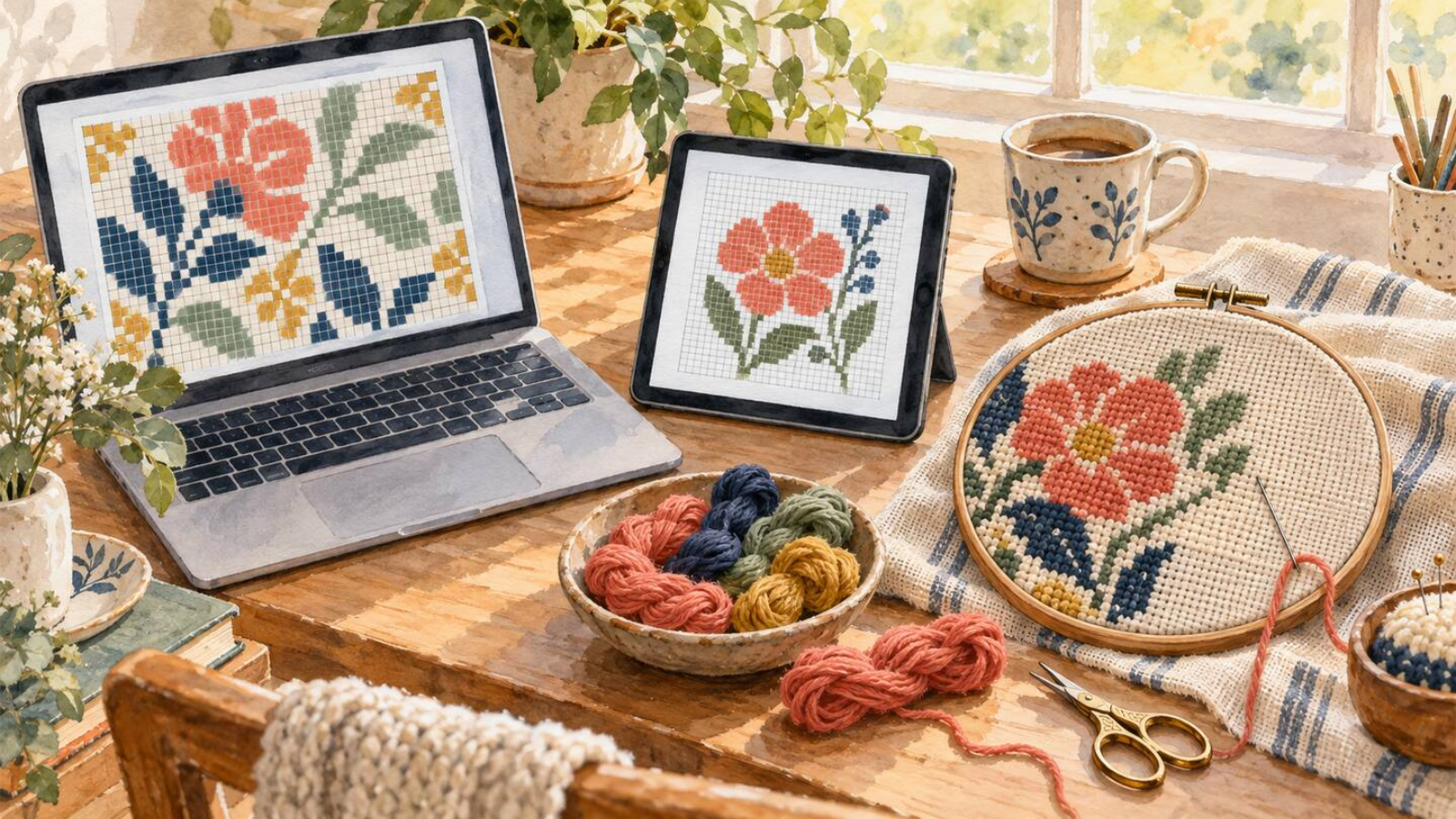
The best needlepoint software depends on whether you are converting a photo, drawing a painted-canvas-style design, planning thread, or publishing charts. Needlepoint has fewer purpose-built apps than cross stitch, so the right choice often comes from how well a tool handles canvas size, whole-stitch grids, thread palettes, and cleanup.
Use Threaded for turning a photo into an editable, thread-matched needlepoint chart in a browser. Choose MacStitch or WinStitch for a deep desktop tool with canvas support. Stitch Fiddle is useful for cloud charts across several crafts. FlossCross is the strongest free no-account browser editor, while PCStitch is an established Windows option for precise manual charting.
The best needlepoint software by job
| Tool | Best for | Platform | Pricing model |
|---|---|---|---|
| Threaded | Photo conversion with editable grids and real thread palettes | Browser | Free tier; Pro subscription |
| MacStitch / WinStitch | Detailed desktop design, canvas support, and PDF control | Mac / Windows | Paid license; demo available |
| Stitch Fiddle | Cloud charts across needlework and other grid crafts | Browser | Free tier; Premium subscription |
| FlossCross | Free private browser editing without registration | Browser | Free |
| PCStitch | Manual chart drawing and symbols on Windows | Windows | $39.95 Standard; $49.95 Pro when checked |
Prices and product details were checked on September 17, 2026. Confirm the vendor's current checkout and system requirements before buying.
How we compared needlepoint design software
We looked at the jobs that matter for a stitchable needlepoint chart: setting stitch dimensions, converting a source image, editing individual cells, limiting colors, matching real thread lines, printing a symbol chart, and keeping an editable source file. We also checked whether each tool works in a browser or needs a desktop installation.
Some products here are marketed mainly for cross stitch. A whole-stitch grid can still help plan counted needlepoint, but that does not make every cross-stitch feature relevant to painted canvas design. Specialty stitches, stitch direction, decorative fibers, and hand-painted canvases may still need planning outside the app.
1. Threaded: best for converting a photo to needlepoint
Threaded is the most direct choice when you have a photo or illustration and want an editable needlepoint chart. It runs in a browser, reduces the source to a practical color palette, matches colors to real thread libraries, and keeps the resulting grid editable. That last step matters because automatic conversion is only a starting point. Faces, lettering, outlines, and backgrounds usually need judgment.
DMC and Anchor are available as free presets. Pro adds the other thread libraries, unlimited projects, and print-ready PDF export. Threaded currently includes 49 thread libraries, covering cotton, silk, wool, metallic, and needlepoint-focused lines such as Vineyard Silk and Silk & Ivory. Pick the line you expect to stitch with before cleanup so neighboring colors reflect what you can actually buy.
Choose it if: you are starting from a photo, want to compare thread palettes, or need to set a chart to a specific canvas count.
Skip it if: your main need is a mature desktop publishing suite with specialty-stitch notation and extensive page-layout controls.
Start with the needlepoint pattern maker. If you have not chosen a canvas, compare 13 mesh and 18 mesh first.
2. MacStitch and WinStitch: best desktop all-rounder
Ursa Software makes MacStitch for macOS and WinStitch for Windows. The current vendor page describes image import, manual drawing, thread estimates, printable charts, PDF export, full and fractional stitches, beads, knots, backstitch, shapes, flood fill, and multi-level undo. The Premium edition also lists canvas support and advanced PDF tools.
This is the broadest traditional desktop option in the comparison. It fits designers who want one installed tool for drawing, importing images, managing palettes, and preparing polished output. The vendor offers a demo that lets you create charts, though printing and export are limited to sample files until purchase.
The depth adds a learning curve. Before buying, build one chart at the size and palette you expect to use, then check the printout at full scale. Needlepoint designers should also confirm that the stitch types and output conventions fit the way they plan to paint or stitch a canvas.
Choose it if: you work often, prefer installed software, or need more control over chart and PDF output.
Skip it if: you want instant browser access or only need to convert an occasional photo.
For a direct head-to-head, see Threaded vs WinStitch.
3. Stitch Fiddle: best for cloud charts across crafts
Stitch Fiddle is a browser chart editor for cross stitch, knitting, crochet, diamond painting, fuse beads, pixel art, and other grid crafts. It can import a picture, draw on a grid, and keep charts in a cloud account. That makes it useful if you move between computers or plan several kinds of charted projects.
The free tier currently allows 15 charts, up to 300 by 300 cells, and up to 50 unique colors or symbols per chart. Premium expands those limits to 1,000 by 1,000 cells and 250 colors or symbols, and adds vector downloads, separate legends, folders, mirroring, and more export control. The vendor lists Premium at €4.50 for one month or €27 for a year when checked.
Stitch Fiddle is not a needlepoint inventory system, and its interface covers several crafts rather than centering canvas-specific decisions. Still, it is a practical option for geometric designs and cloud access.
Choose it if: you want saved browser charts, collaboration, or one editor for several grid crafts.
Skip it if: you want needlepoint thread matching to be the core workflow.
For a direct head-to-head, see Threaded vs Stitch Fiddle.
4. FlossCross: best free no-account browser editor
FlossCross is free, works in a modern browser, and does not require registration. Its official site says designs stay in local browser storage instead of being transferred to its server. You can start from a photo or an empty canvas, edit a grid, add backstitch and fractional stitches, export a PDF, and save the editable chart in the open OXS format.
For counted needlepoint, the whole-stitch grid and PDF export can be useful even though the product is cross-stitch-first. The local storage model is private and quick, but it is not cloud sync. Export OXS backups instead of trusting one browser profile with your only editable copy.
Choose it if: you want a capable free editor for a small grid, do not want an account, or need an open editable file.
Skip it if: you need automatic device syncing, needlepoint-focused thread libraries, or a commercial publishing workflow.
For a direct head-to-head, see Threaded vs FlossCross.
5. PCStitch: best established Windows chart editor
PCStitch is a Windows desktop program built around precise chart design. Its official feature list includes full, half, quarter, three-quarter, and petite stitches, flexible backstitch, French knots, beads, flood fill, stitched text, custom libraries, symbols, thread estimates, and multi-page printing. Standard was listed at $39.95 and Pro at $49.95 when checked.
For needlepoint, its strongest fit is manual work on a regular grid: alphabets, borders, geometric motifs, symbols, and chart organization. It is less direct for someone whose only goal is to turn a photo into a canvas using needlepoint-specific fibers. PCStitch is Windows-only, so Mac and iPad users will need another option.
Choose it if: you use Windows and want detailed manual drawing, symbols, reusable motifs, and print controls.
Skip it if: you need a Mac version, browser access, or a needlepoint-first photo workflow.
For a direct head-to-head, see Threaded vs PCStitch.
How to choose needlepoint software
Start with the source material
A photo needs color reduction, thread matching, and cleanup. A monogram or geometric border needs fast drawing, symmetry, fill, and reusable motifs. A chart for sale needs legible symbols, page breaks, a clear legend, and an editable archive.
Set the finished size before comparing previews
Canvas count changes the finished size. A 130-stitch-wide chart is 10 inches wide on 13 mesh and about 7.2 inches on 18 mesh. Compare tools using the same stitch dimensions, not merely the same image file.
Test a real thread palette
Screen colors are not thread. A tool may show a smooth digital gradient that becomes several costly near-duplicates at the shop. Limit the color count, map to the thread line you plan to use, and inspect the legend before committing.
Clean isolated stitches before export
Photo conversion often creates single cells that add thread changes without preserving useful detail. Check the eyes, edges, lettering, and silhouette first, then merge noise into nearby colors. The confetti-stitch cleanup guide shows a practical pass.
Keep an editable source file
A PDF is useful for stitching, but it is a poor master file. Keep the native project or an open exchange format where the software supports one. Store a second copy outside the app or browser.
Questions about needlepoint software
What is the best free needlepoint software?
FlossCross is the strongest fully free no-registration grid editor in this comparison. Stitch Fiddle has a useful free cloud tier. Threaded offers a free path for photo conversion with DMC or Anchor matching.
What software turns a photo into a needlepoint pattern?
Threaded is built around that workflow: upload a photo, set stitch dimensions, reduce colors, match a thread library, and edit the grid. MacStitch and WinStitch also import images and turn them into charts in a desktop app.
Can I use cross-stitch software for needlepoint?
Often, yes, for a regular counted grid made from whole stitches. Check the canvas count, thread palette, and printed legend carefully. Cross-stitch features such as fractional stitches or backstitch may not map to the needlepoint canvas you plan to use.
What is best for Mac or iPad?
MacStitch is the full installed Mac option here. Threaded, Stitch Fiddle, and FlossCross run in a browser on a Mac or iPad, though detailed cell editing is easier on a larger screen with a mouse, trackpad, or pencil.
What is best for selling needlepoint patterns?
Choose based on the file you deliver, not the editor screenshot. Test the PDF at full scale, inspect symbols and legends, confirm the vendor's commercial-use terms, and keep editable backups. MacStitch and WinStitch offer detailed PDF controls, while Threaded is the faster photo-first path.