Cross Stitch Software That Goes Beyond Photo Conversion
Threaded is cross stitch design software for creating, editing, planning, and exporting patterns in one browser-based studio.
- Design in a true stitch grid
- Control colors and symbols
- Plan materials before you buy
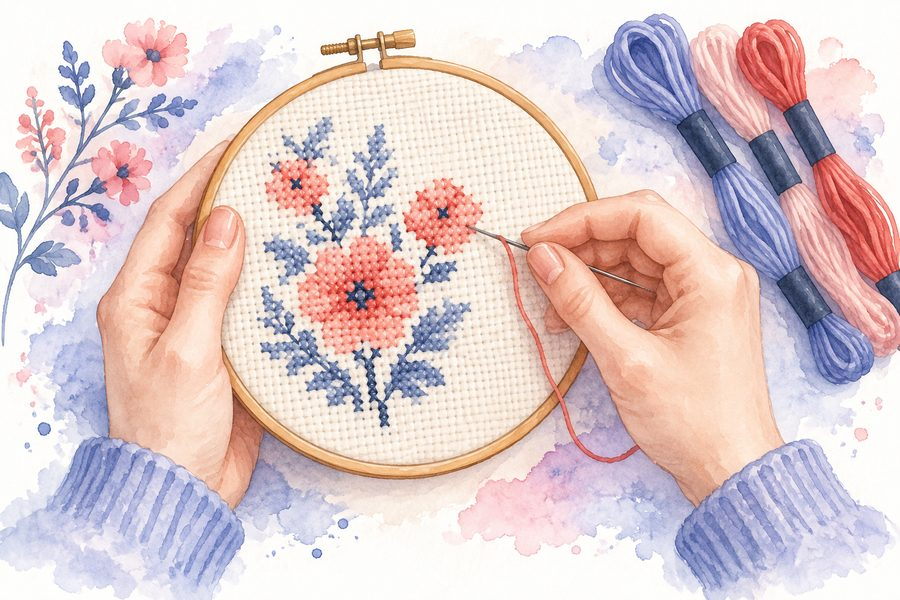
01
Design in a true stitch grid
Built for real cross stitch projects, from first upload through a clean chart, thread list, and printable plan.
02
Control colors and symbols
Built for real cross stitch projects, from first upload through a clean chart, thread list, and printable plan.
03
Plan materials before you buy
Built for real cross stitch projects, from first upload through a clean chart, thread list, and printable plan.
From image to stitchable chart
Step 1
Upload or start blank
Bring in a photo or open a blank grid for an original design.
Step 2
Set size and colors
Choose stitch dimensions, canvas count, and a practical color palette.
Step 3
Edit and export
Refine individual cells, then export the chart, legend, and counts.
Made for decisions that matter at the canvas
Choose finished dimensions and mesh count before you commit. Threaded calculates exact stitch counts, reduces noisy colors, matches against real thread libraries, and keeps the chart editable. Free includes one project with DMC or Anchor matching. Pro is $15 monthly or $120 annually for unlimited projects, all 49 thread libraries, and print-ready PDF export.
Use the grid editor to draw, fill, select, move, replace colors, add rasterized text, and clean isolated stitches. Your export includes a symbol chart, legend, and materials counts that can be used at the needlework shop.
Questions about cross stitch software
Do I need to install cross stitch software?
No. Threaded runs in your web browser on Mac, Windows, Chromebook, or iPad, so there is nothing to download or install. Your designs are saved to your account.
Can I edit the chart after converting a photo?
Yes. Every stitch stays editable on the grid. You can draw, fill, select and move areas, replace one color with another, add text, and clean up isolated stitches before you export.
What is the best cross stitch software for beginners?
Look for software that runs without installation, converts photos, matches real floss colors, and exports a printable chart with a legend. Threaded does all four in the browser and is free to start. Our guide to the best cross stitch software compares the main options.
Is there free cross stitch software?
Threaded is free to start: the free plan includes the full editor, one saved design up to 100 x 100 stitches, and DMC and Anchor color matching. Pro costs $15 a month or $120 a year and adds unlimited designs, all 49 thread libraries, larger grids, and PDF and image export.
Learn more in the Threaded guides, or compare our cross stitch software and needlepoint software.
Ask AI about Threaded:
Start your next cross stitch pattern tonight
Free to start. One saved design, DMC and Anchor matching, and the full editor in your browser.